
Display Memory Pro · for Mac
Every window. Every display. Every Space.
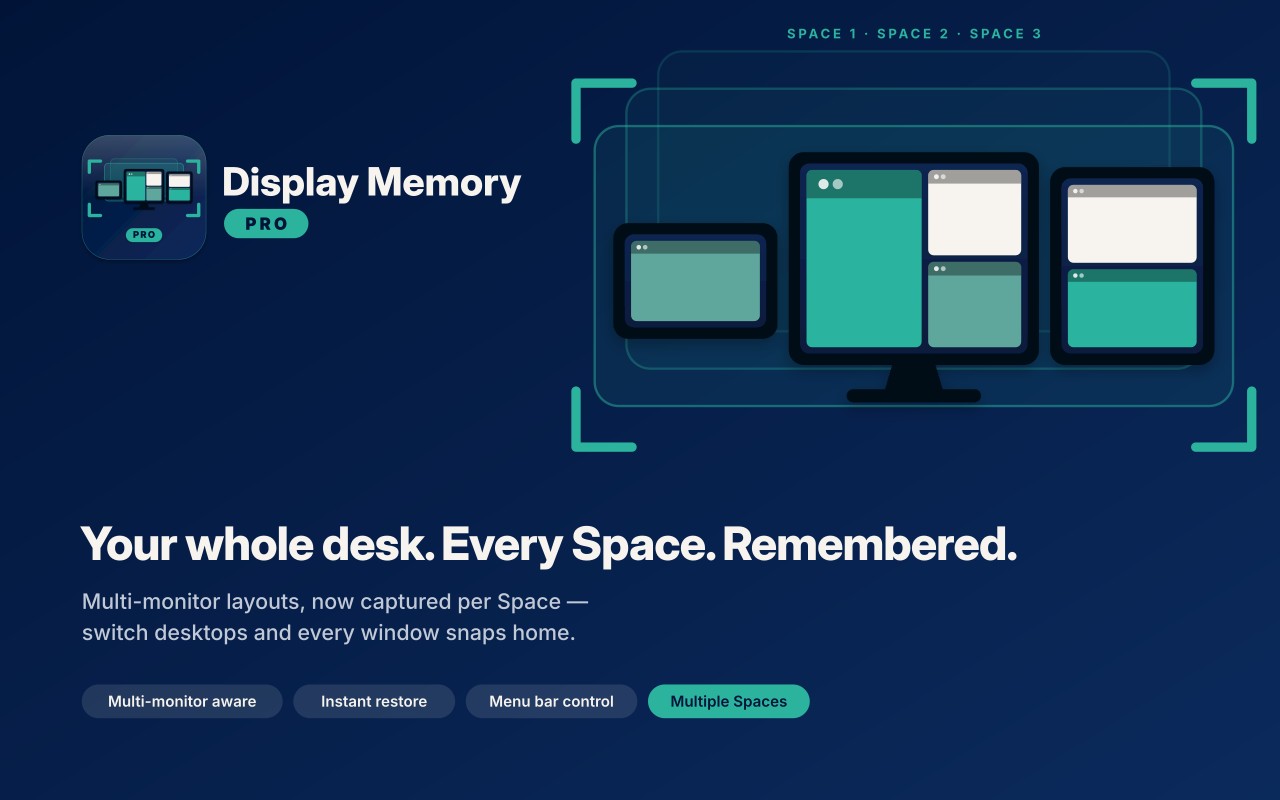
If your desk runs on Spaces, a window is not just on a display. It is on one of five or eight desktops behind it. Display Memory Pro remembers which one, and puts it back there after you dock, undock, or restart.
A menu bar app for macOS, notarized, direct from Practical WIT. Not released yet.
Built for people who use Spaces
Remembers the Space, not just the display
Chat on Space 2, code on Space 3, the browser on Space 4. Each window is remembered on the Space where it lives, on each display, for each set of displays you use.
Survives docking and undocking
Unplug your external display and macOS folds its Spaces into the laptop. Display Memory Pro keeps each Space’s layout apart, so plugging back in puts everything where it was.
Puts windows back as you visit
Open a Space that has windows waiting and they are placed as you arrive. Windows on other Spaces are not dragged across to the one you are on.
Name your Spaces
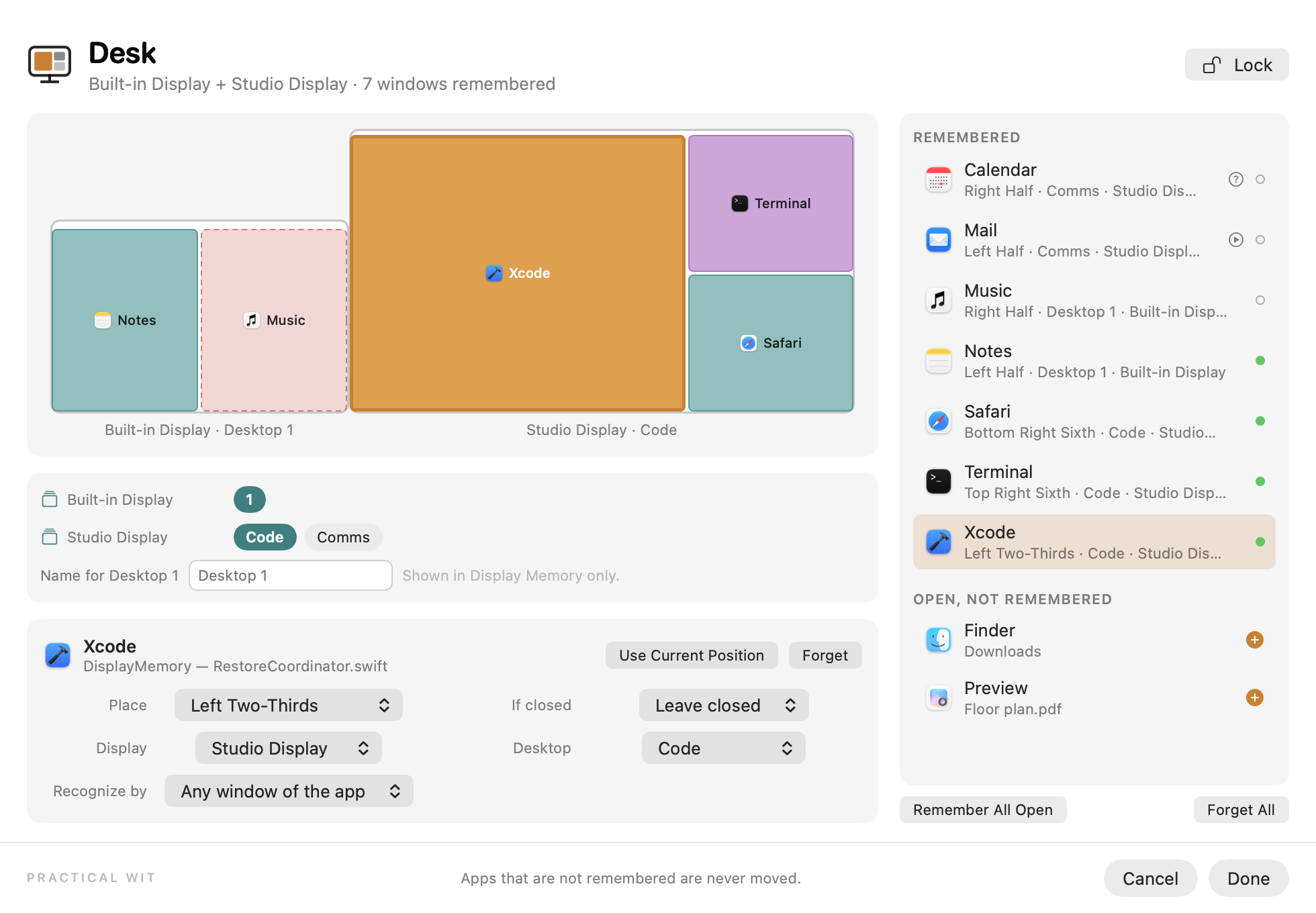
Call them Mail, Build, Calls. The editor and the layout lists show your names instead of numbers.
An editor that follows you
The layout editor shows the Space you are on, and switching Spaces changes it. Pick a different Space in the editor and Display Memory Pro takes you there.
Previews what it will do
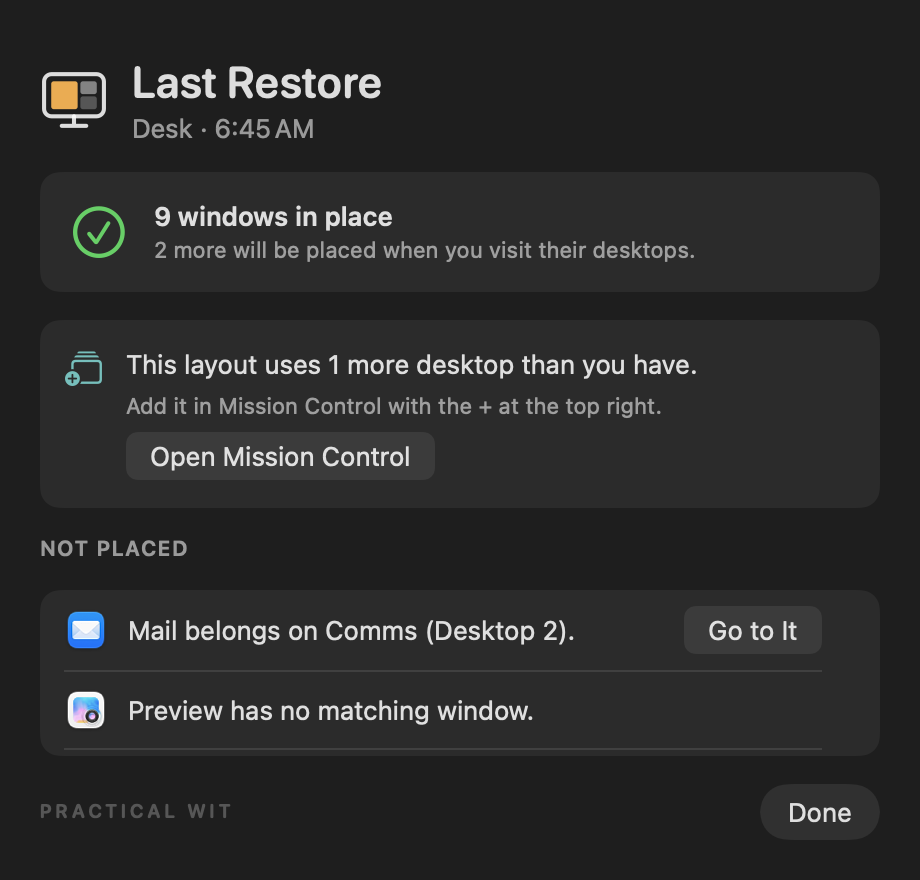
Before a restore, see how many windows will move, which apps will open, and which windows live on other Spaces.
Why Pro?
Reading which Space a window is on, and moving between Spaces, relies on parts of macOS that Apple does not allow in sandboxed Mac App Store apps. The App Store edition is the same app without them, so it remembers your displays but not your Spaces.
Pro is the full version. It is a notarized download straight from Practical WIT, with the same privacy as the store edition: no account, no network access, no tracking.
If you use one desktop per display, the App Store edition is all you need. If you live in Spaces, this one is for you.
And everything in Display Memory
Remembers each set of displays
Laptop alone, laptop at your desk, laptop in a conference room. Reconnect a set you have used and the windows return. Connect a new one and nothing moves.
Saved layouts, by name
Arrange your windows, choose Save As, and call it Coding, Calls, or Presenting. Switch in one click or one shortcut.
History to go back to
Automatic states before each restore, when displays change, before sleep, and while things move. Go back, or save a past state under a name.
Opens the apps that are closed
For each remembered window, choose to leave it, ask, or open its app. Restore a layout and your whole desk comes together.
Back after a restart
Choose to restore your default saved layout or your last state. Mark one layout as the default for each set of displays.
Snaps windows too
Halves, thirds, quarters, sixths, full, or center, from the menu or with shortcuts. Send a window to the next display with one key.
See it
Private by design
No account
Install it and it works.
No network access
Nothing is sent anywhere. No tracking.
Plain files
Your layouts are readable files on your Mac. Export and import them.
One permission
macOS requires Accessibility access for any app that moves windows. Display Memory Pro asks once, and uses it to read and set window positions and sizes, and to read which Space a window is on.